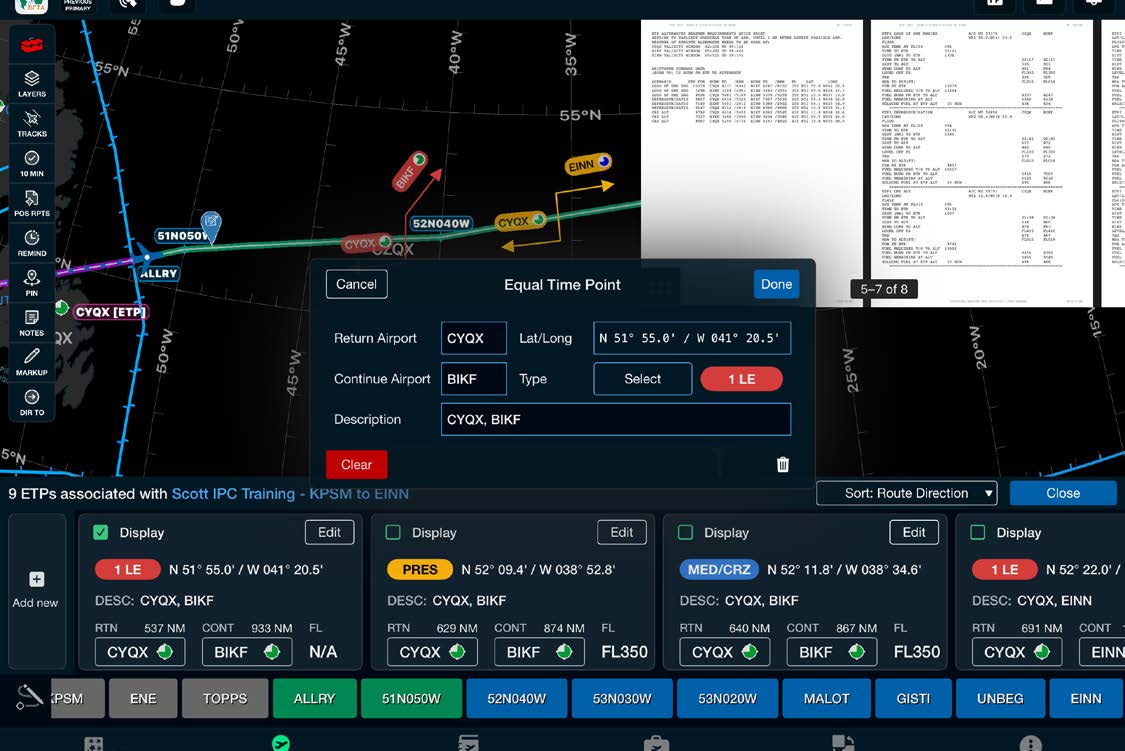
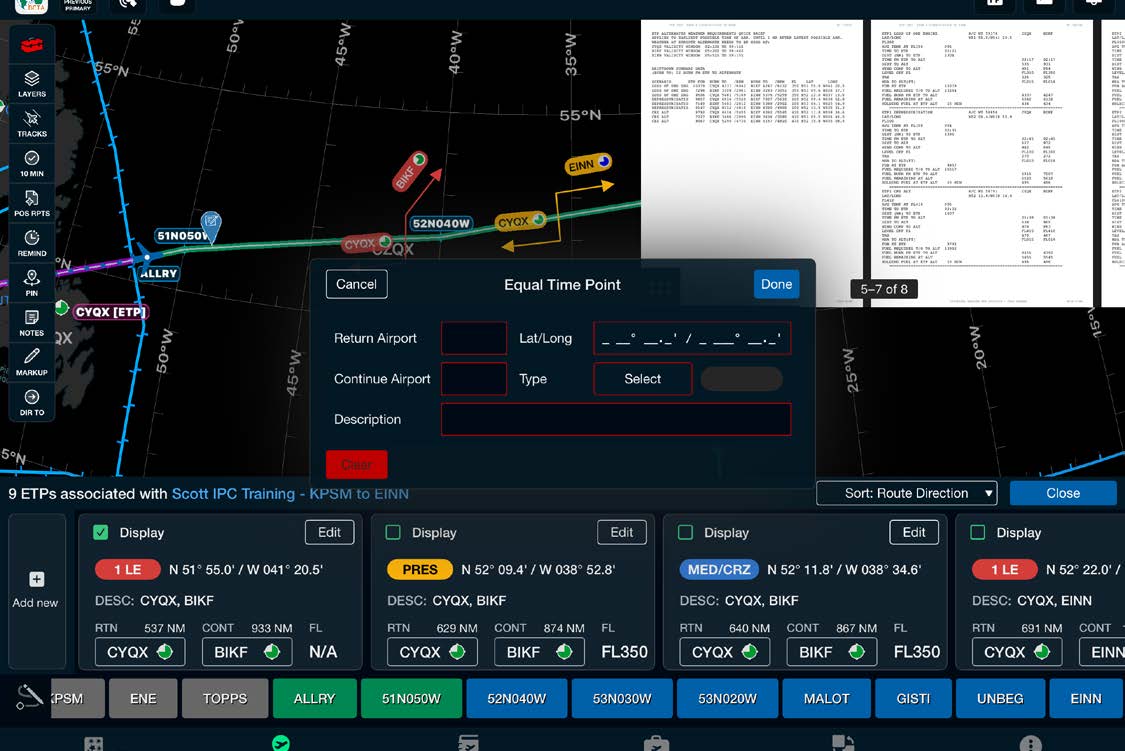
This method allows you to edit already-constructed ETPs and create new ETPs manually.
From the Red Toolbox menu select ETPs, then select By Lat/Long from FLT PLN. Your ETP cards and flight plan will appear.
Tap Edit on the ETP card you wish to edit. You can add or edit ETPs once editing is enabled.
Add New ETP
Tap Add New to add a new ETP card
Enter the return and continue airports and select them from the list
Type the lat/long
Tap the ETP type from the menu
If desired, alter the ETP description
Tap Done to add the ETP
Edit an ETP
Tap Edit on the ETP card you wish to change
Tap Clear to clear the information
Tap the trash can to delete the ETP
Tap Done and verify ETPs are depicted correctly
If ETPs are correct, select Continue; if not, select Edit to adjust an ETP
Note: If you don't see your ETPs on the chart, select the layers icon and turn on the ETPs layer. You can open your flight plan by selecting the Flight Plan icon at the top right.