
Scott International Procedures
April 1, 2026
4.3+
The Scott IPC app provides worldwide Meteorological Aerodrome Report (METAR) and Terminal Aerodrome Forecast (TAF) information, requiring an internet connection. METAR/TAF data is available via the chart, airport information, and the Preflight Wizard's Plot ETPs step.
METAR/TAF weather information can be accessed in the following areas of the application:
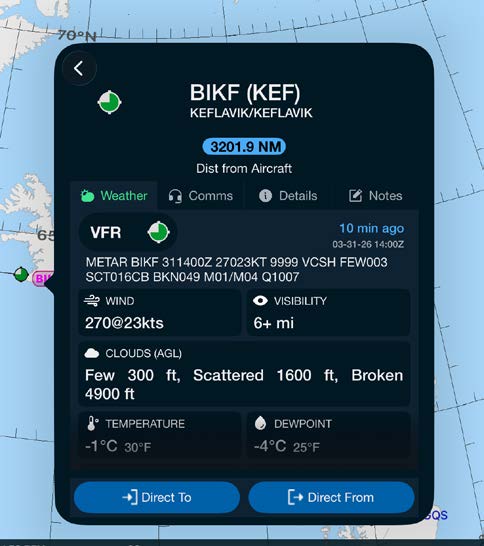
METAR/TAF data can be found on the airport information Weather tab. This can be accessed by tapping on any METAR symbol on the chart or by searching for an airport using the chart search magnifying glass.
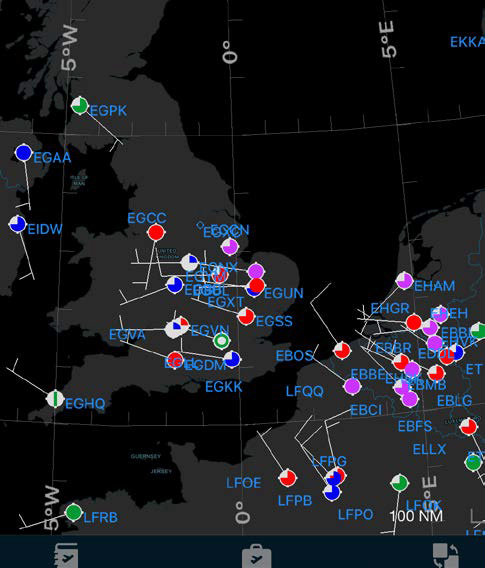
The Scott Plot® chart provides METAR symbology to depict VFR, MVFR, IFR, and LIFR conditions. The information is available in both day and night modes.
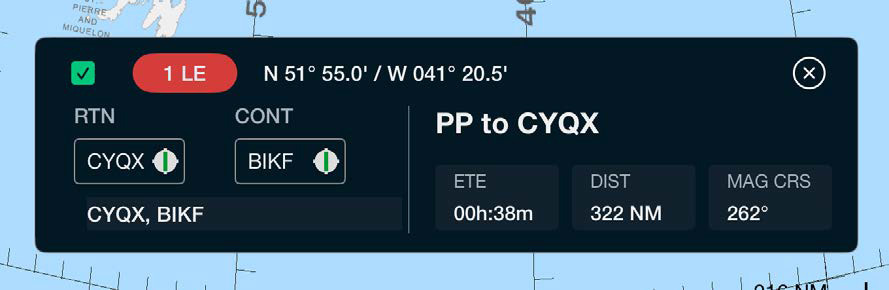
ETPs plotted on the chart depict METAR information. Tapping on an ETP label opens the ETP properties, allowing for detailed ETP and weather information by tapping on either ETP alternate airport.
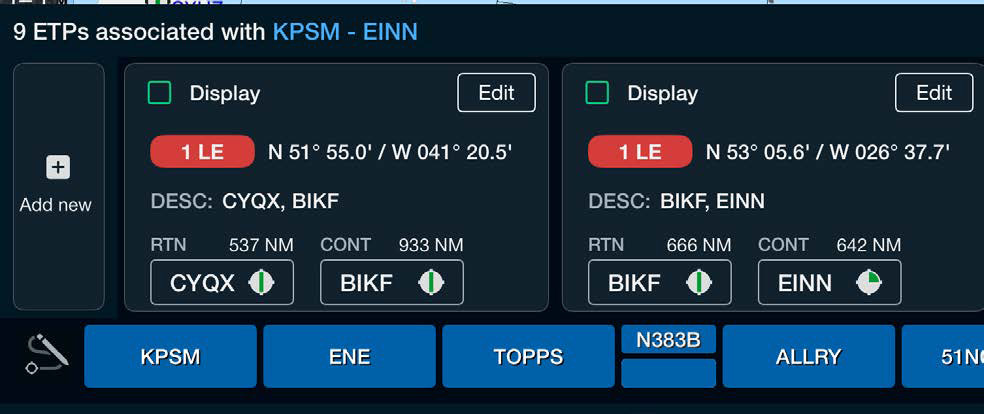
The Preflight Wizard's Plot ETPs step provides current METAR information. Tapping on the RTN or CONT airport opens the METAR/TAF weather tab, providing quick access to the latest current and forecast weather for your ETP airports.
The METAR chart weather layer defaults to ON upon initial installation. The layer can be temporarily filtered out if needed by accessing the Chart Layers menu and scrolling to the bottom.
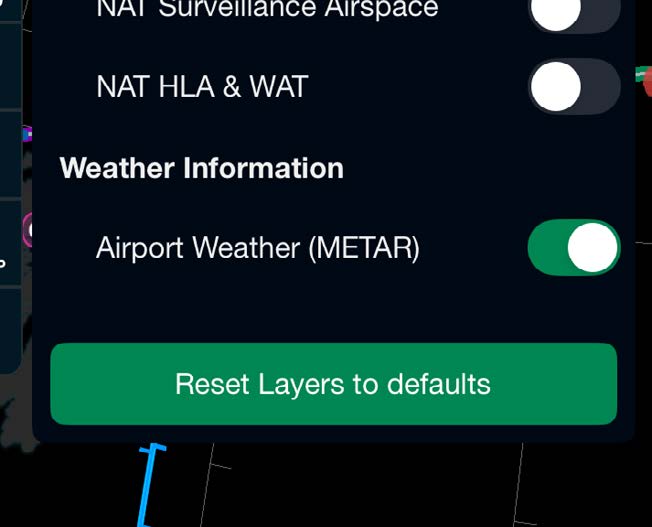
Note: Filtering out the chart layer removes the weather data from view but does NOT turn off the weather service.

Scott International Procedures, LLC.
Colorado, USA


© 2026 Scott International Procedures, LLC. All rights reserved.
Because safety is in the details™