
Scott International Procedures
April 1, 2026
4.3+
The Scott IPC app creates backup copies of the active Journey Logbook during the flight to serve as a restore function in case of data corruption. If a fault condition is detected, the app will automatically display onscreen prompts to recover the active Journey Logbook. Follow the steps below to restore data.
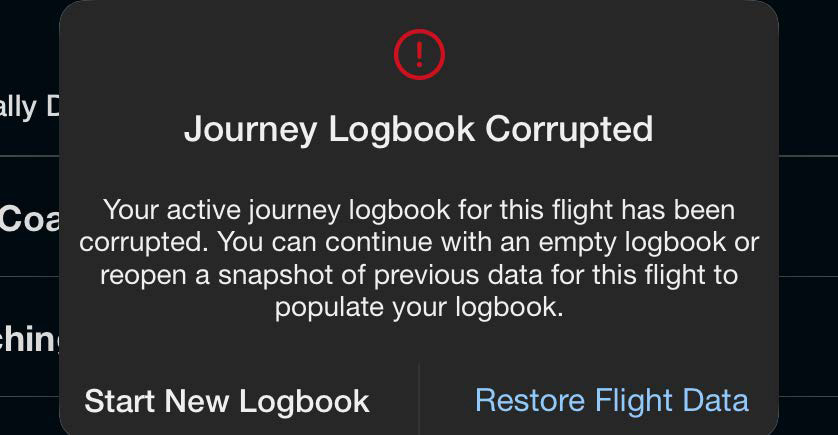
If the app detects a fault condition where the current Journey Logbook data might be corrupt, a prompt will appear onscreen.
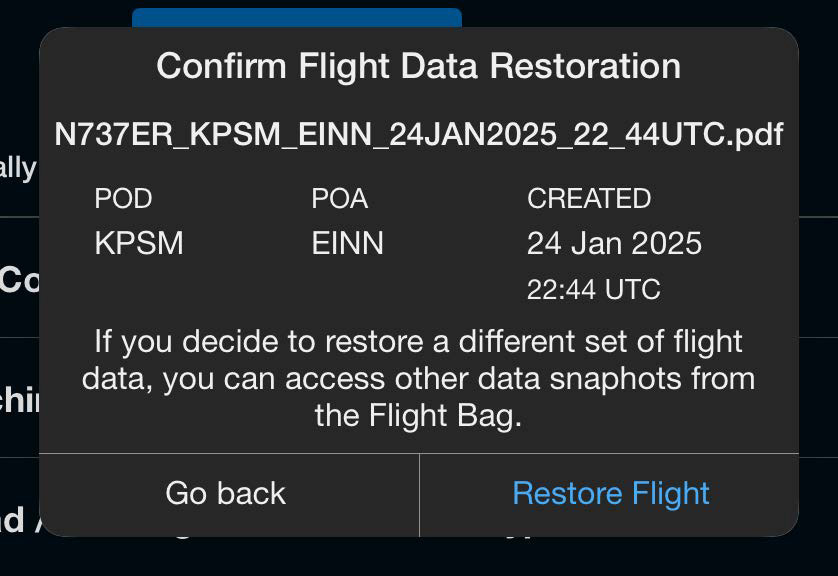
Tapping Restore Flight Data will display a confirmation screen.
After tapping Restore Flight, the Scott Plot® chart will open, and a banner will confirm that flight data has been successfully restored.


Scott International Procedures, LLC.
Colorado, USA


© 2026 Scott International Procedures, LLC. All rights reserved.
Because safety is in the details™