
Scott International Procedures
April 1, 2026
4.3+
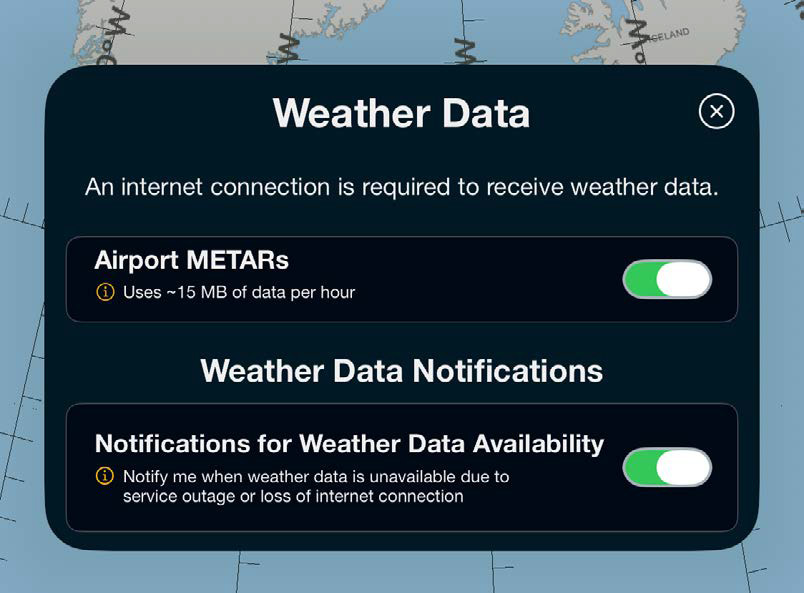
METAR/TAF data defaults to ON after installation and will continue updating as long as there is an internet connection.
METAR/TAF weather data can be turned OFF or ON via the Weather Data button at the top-left of the main application button bar. Turning the weather data OFF will result in a notification at the bottom of the screen, and the Weather Data button will turn gray. Weather data will remain displayed but continue to age.



Scott International Procedures, LLC.
Colorado, USA


© 2026 Scott International Procedures, LLC. All rights reserved.
Because safety is in the details™