
Scott International Procedures
April 1, 2026
4.3+
Some flights may require more than one oceanic entry/exit point; you may add multiple oceanic entry/exit points if necessary.
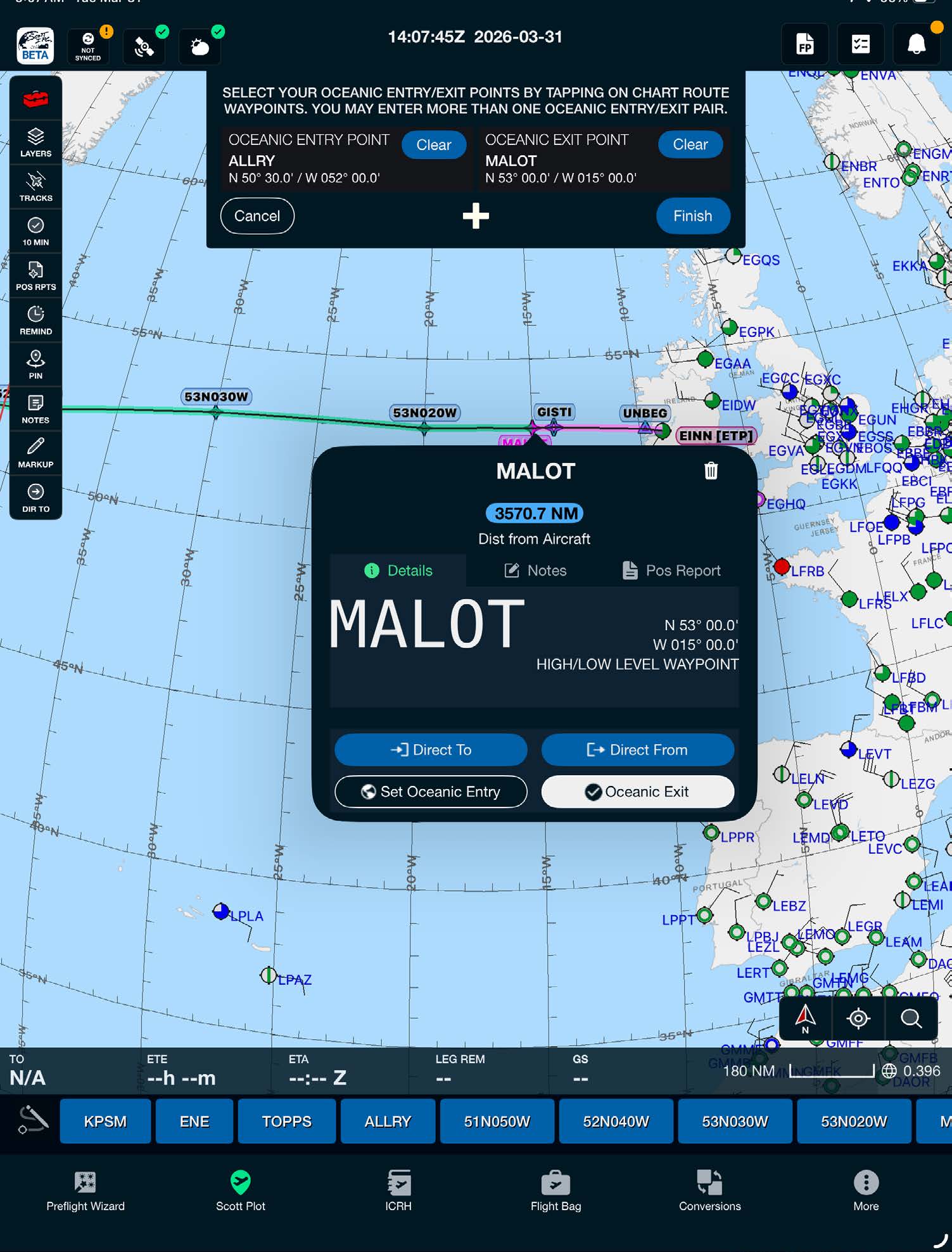
Note: Oceanic entry/exit points can be selected or altered from the chart after completing the Preflight Wizard.

Scott International Procedures, LLC.
Colorado, USA


© 2026 Scott International Procedures, LLC. All rights reserved.
Because safety is in the details™