
Scott International Procedures
April 1, 2026
4.3+
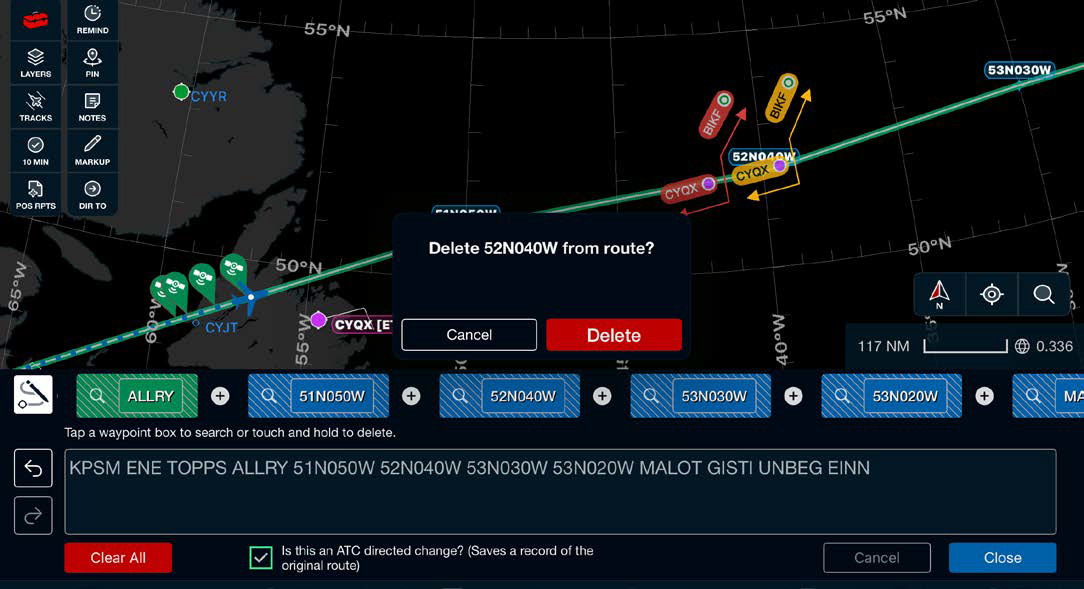
The current route may be edited in flight from the Scott Plot® chart tab, enabling improved situational awareness when making route changes.
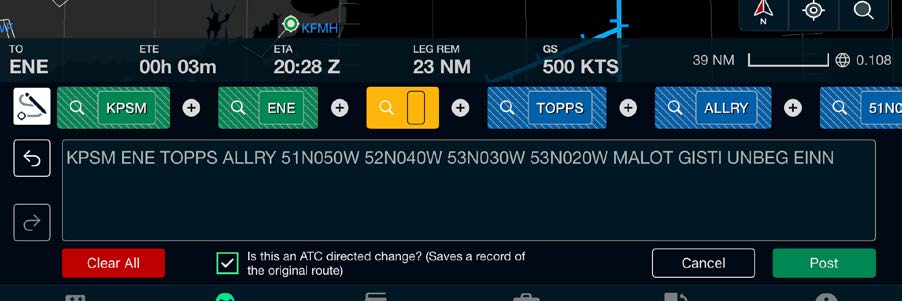
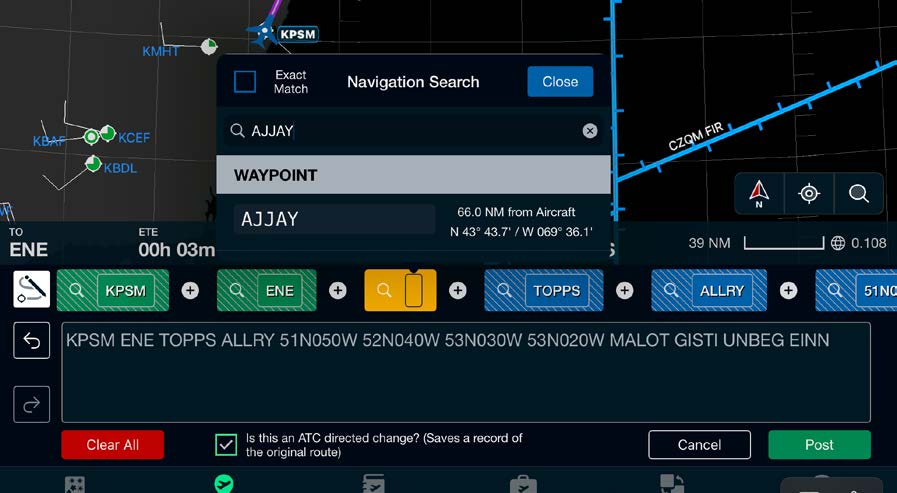
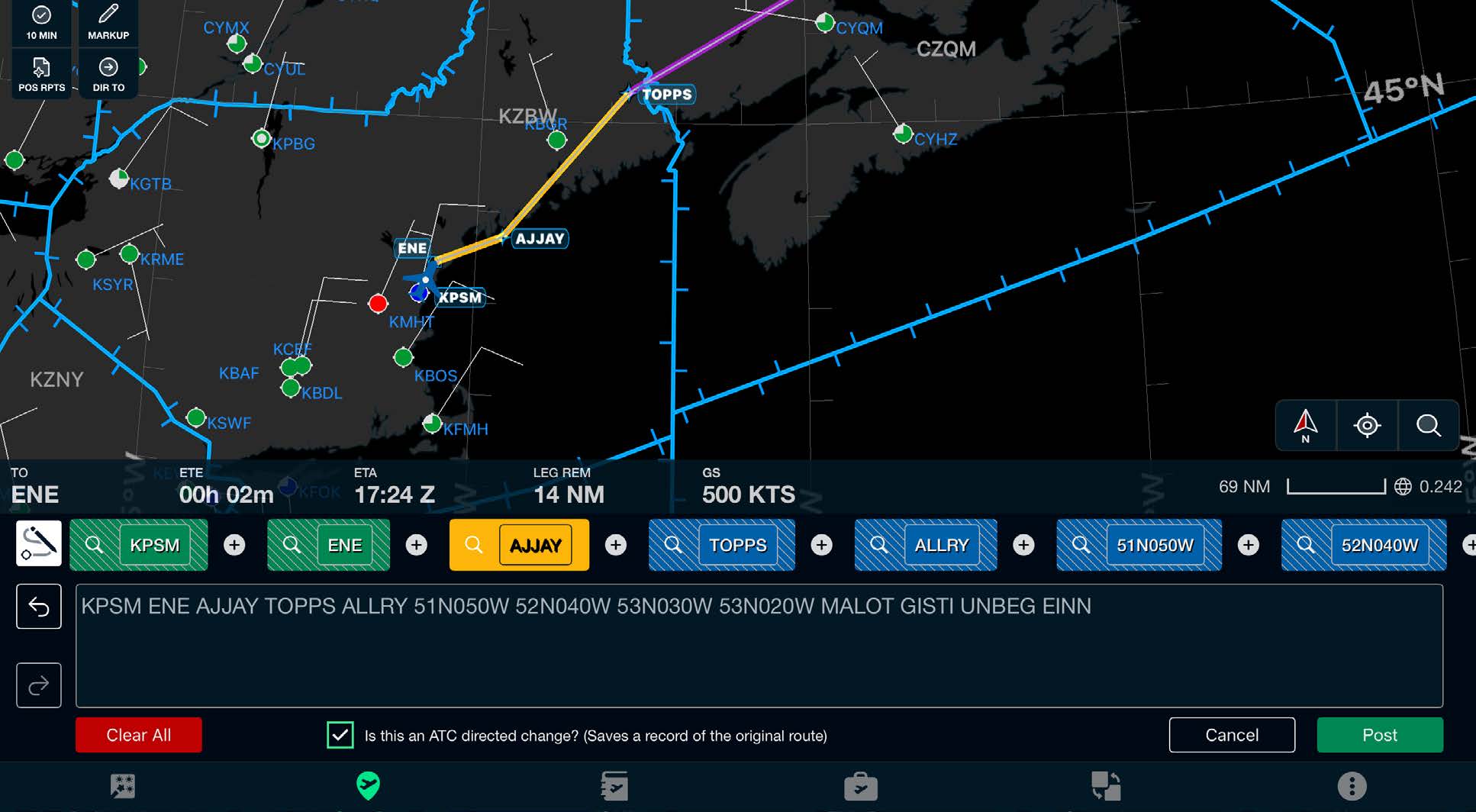
Note: Yellow indicates proposed route changes.
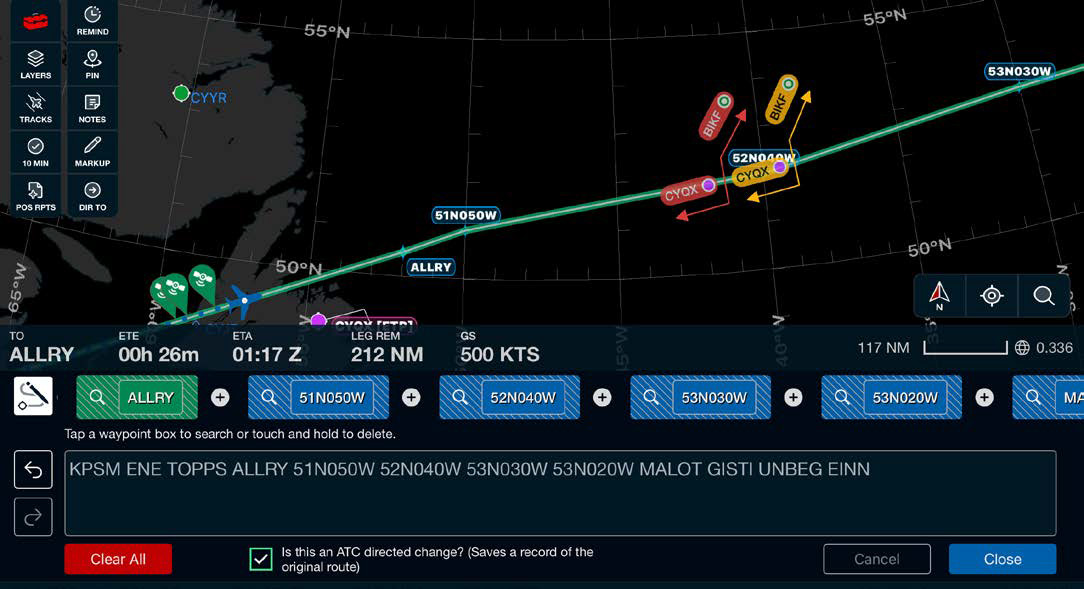
Selecting this option will save a record of the original route in gray and show it on the trip Journey Logbook. This option is selected by default but can be turned off by selecting the checkbox at the bottom of the route drawer.
If an amended or updated flight plan is received during the flight, selecting it in the Preflight Wizard's Select Flight Plan step will automatically update the current route while preserving all existing Journey Logbook data, including annotations. Both the original and updated flight plans will be included in the completed Journey Logbook.
Undo and redo functionality allows for quick reversal of route edit errors.
There is an option to save a record of the original route. When checked, this option will draw a gray line showing the original route before any edits, and it will be included in the Journey Logbook.
Note: Route editing is available during Sync System operation for the Primary role only. Switching roles will provide route editing to the other pilot if desired.

Scott International Procedures, LLC.
Colorado, USA


© 2026 Scott International Procedures, LLC. All rights reserved.
Because safety is in the details™