
Scott International Procedures
April 1, 2026
4.3+
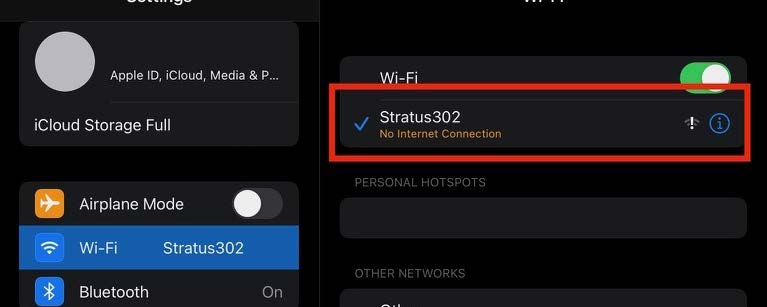
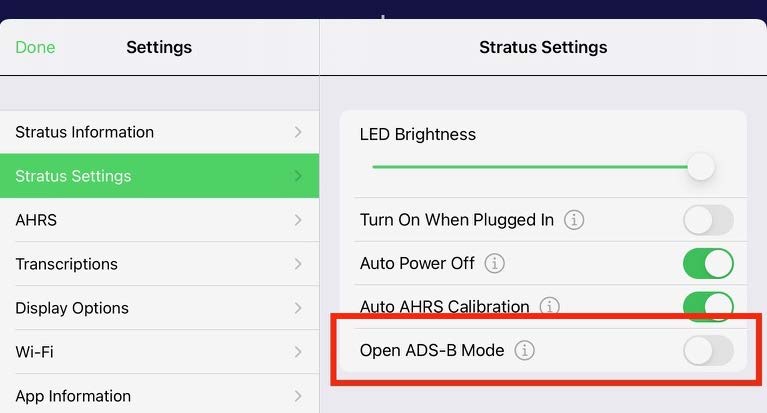
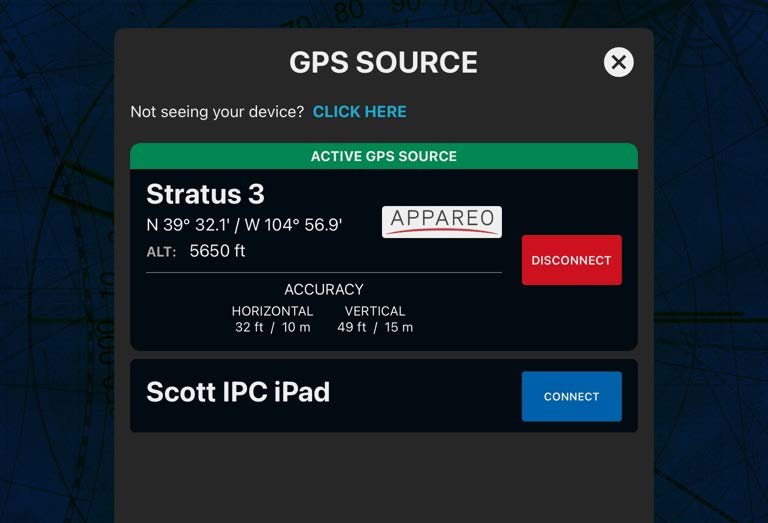
Note: If you still do not see the Stratus, ensure that the Scott IPC app has Local Network Access allowed in your iPad settings.
If the Stratus 3 connects but Scott Plot® is not receiving the GPS signal, see the Troubleshooting the Stratus 3 Connection article.

Scott International Procedures, LLC.
Colorado, USA


© 2026 Scott International Procedures, LLC. All rights reserved.
Because safety is in the details™