
Scott International Procedures
April 1, 2026
4.3+
A 5/10-minute check can be performed in Scott Plot® by selecting the 5 MIN or 10 MIN button on the left side of the chart, or by selecting 5/10 Minute Check from the Red Toolbox menu.
A popup box will allow entry of the 5/10-minute check:
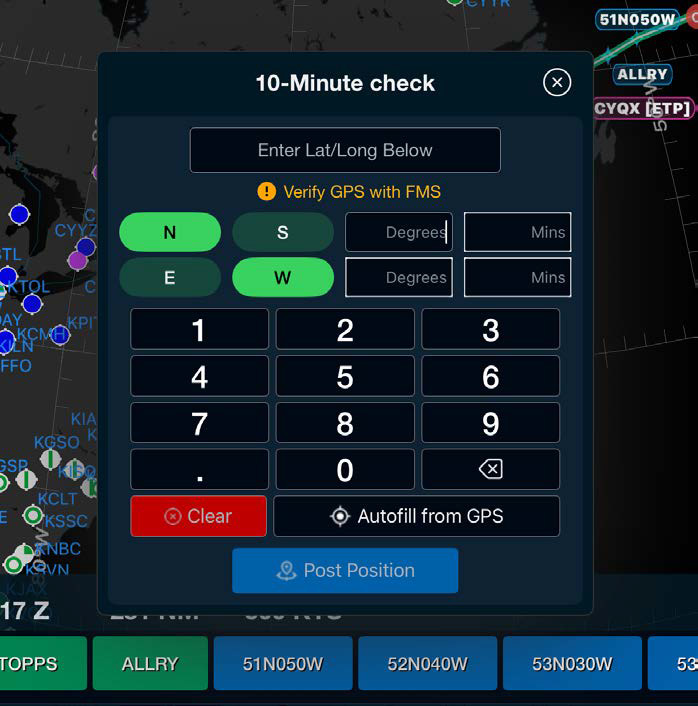
Note: Always verify 5/10-minute checks placed on the chart with FMS position. All 5/10-minute checks will be captured in the Master Document.

Scott International Procedures, LLC.
Colorado, USA


© 2026 Scott International Procedures, LLC. All rights reserved.
Because safety is in the details™