
Scott International Procedures
April 1, 2026
4.3+
When using the Direct-To feature in Scott Plot®, the original routing is preserved and replaced with a gray line after a direct-to; this is captured on the Journey Logbook Master Document.
Warning: The oceanic entry/exit points will be removed if they are part of the route being affected by the direct-to action. Oceanic entry/exit points will need to be reset.
Executing a direct-to in the application can be accomplished in several ways. The following methods are supported:
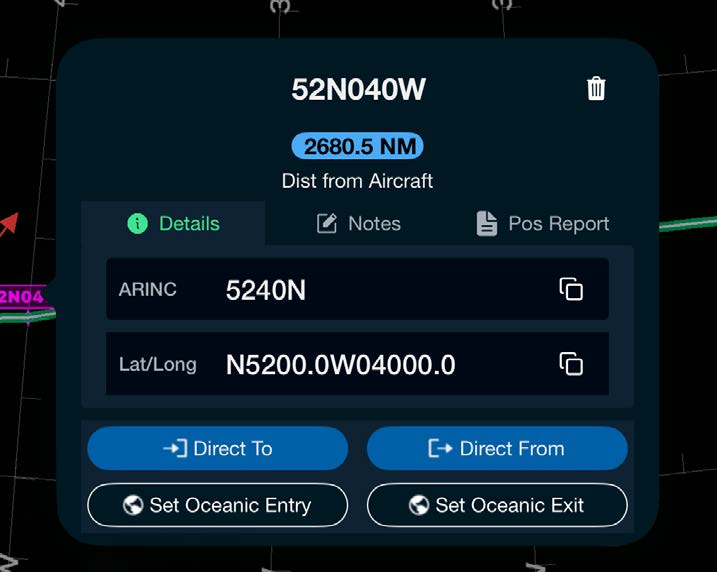
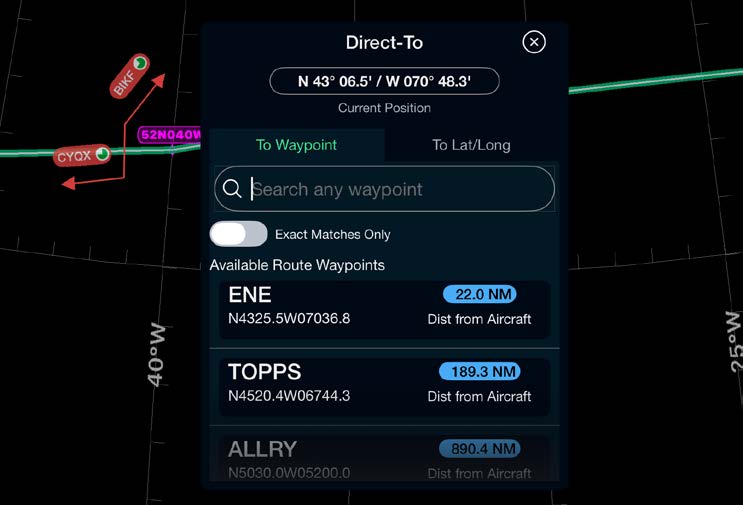
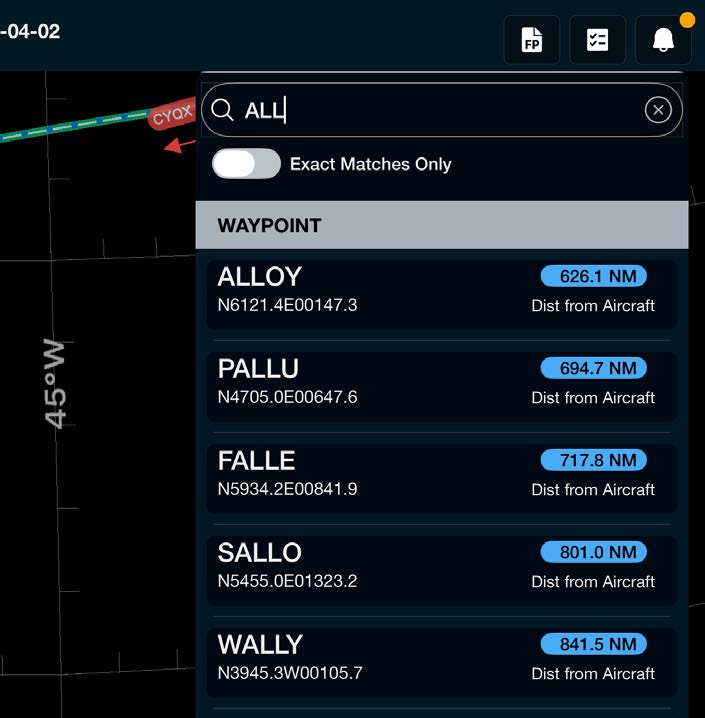
Drag and drop the route from a waypoint to another and affirm whether or not the action is an ATC-mandated change. If yes, tap the white checkbox (it turns green in confirmation) and select Add to make the change. The original route section will turn gray; if an ATC-directed change is not set, the original route will not be captured.

Scott International Procedures, LLC.
Colorado, USA


© 2026 Scott International Procedures, LLC. All rights reserved.
Because safety is in the details™