
Scott International Procedures
April 1, 2026
4.3+
Tap the GPS icon to utilize alternative GPS sources. By default, the plotting chart will use the iPad's internal GPS chip or network GPS location. The iPad's internal GPS is not reliable enough for in-flight use. It is recommended that Scott Plot® be used with an external GPS connection. The following GPS connections/devices are supported:
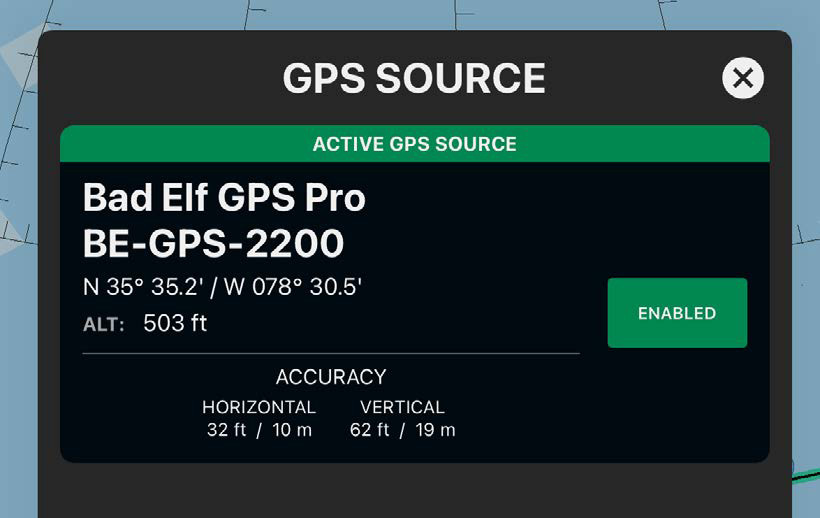
Note: The devices marked * are discontinued. Scott Plot will continue to support both devices as long as Bad Elf supports them.

Scott International Procedures, LLC.
Colorado, USA


© 2026 Scott International Procedures, LLC. All rights reserved.
Because safety is in the details™