
Scott International Procedures
April 1, 2026
4.3+
Trip notes can be captured in flight either on the Journey Logbook page or by tapping on an object and selecting the Notes tab at the bottom.
Tapping on a waypoint, navaid, VOR, airport, or oceanic track, for example, will allow you to enter notes in the Notes tab of the object box. Tapping the waypoints on the horizontal waypoint list will also allow access to the notes tab for each waypoint on the route. Waypoints containing notes are indicated on the horizontal waypoint list by a pencil icon.
All notes annotated on objects while in flight will be captured and organized in the final Journey Logbook Master Document.
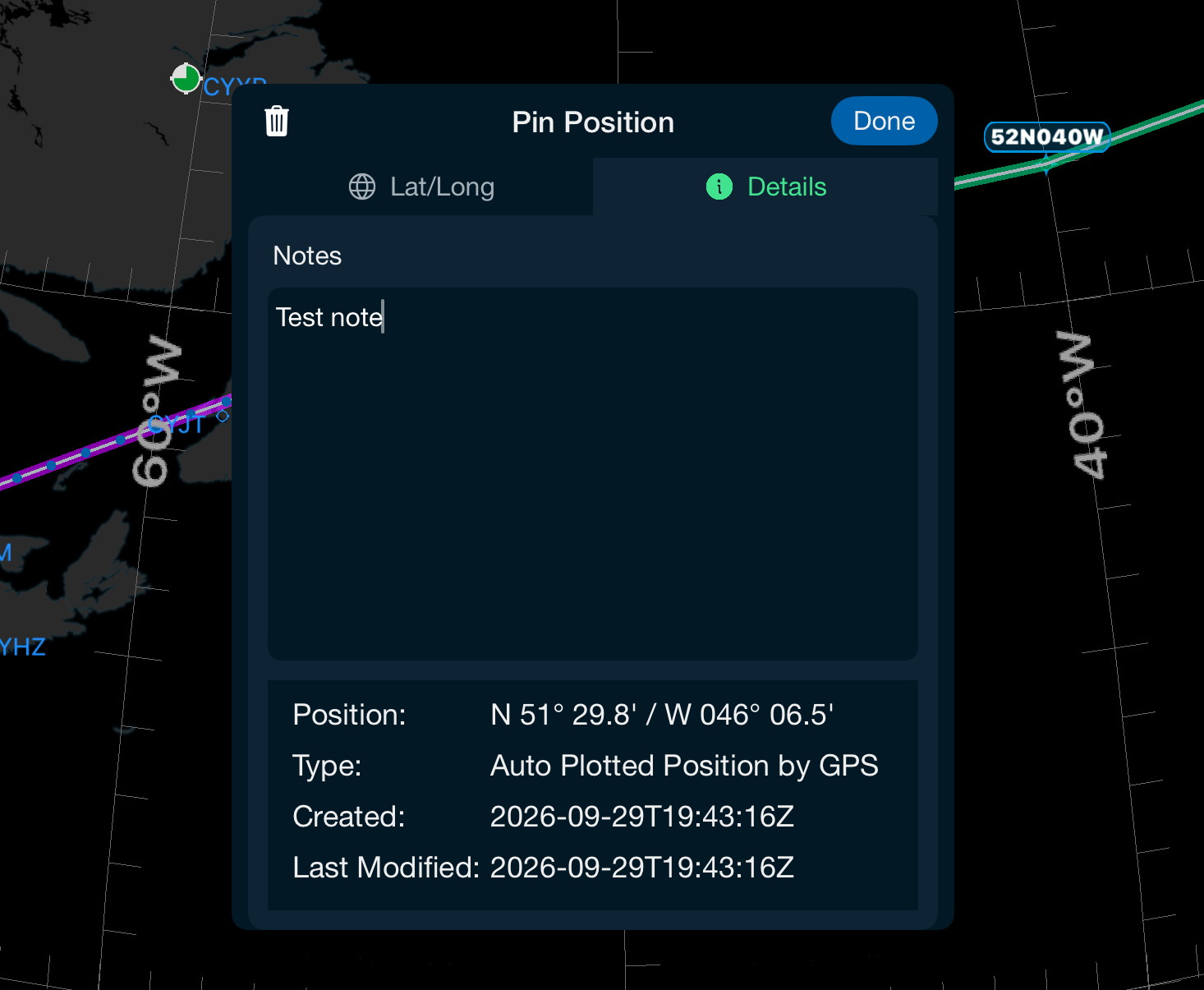
The Pin Position Note will drop pin icons on the chart by either using GPS location or manually entering a lat/long location. Once the position has been pinned, notes can be added, saved, and ultimately captured on the Journey Logbook Master Document.
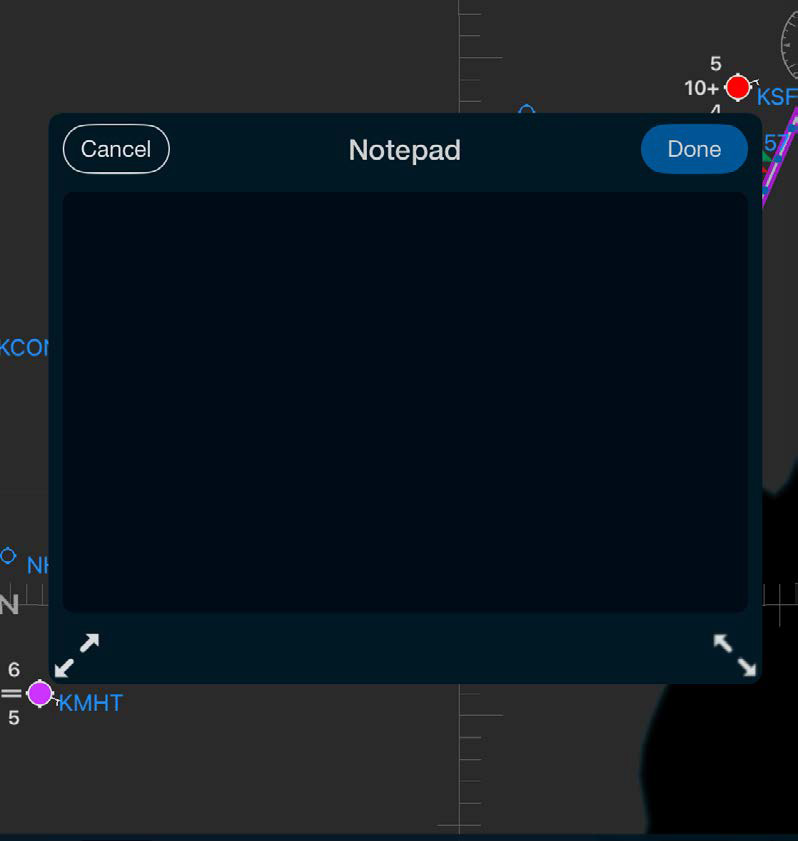
Quickly add chart notes while enroute using the notepad. Move the notepad to the optimal chart location. All notes will automatically be included in your completed Journey Logbook.

Scott International Procedures, LLC.
Colorado, USA


© 2026 Scott International Procedures, LLC. All rights reserved.
Because safety is in the details™