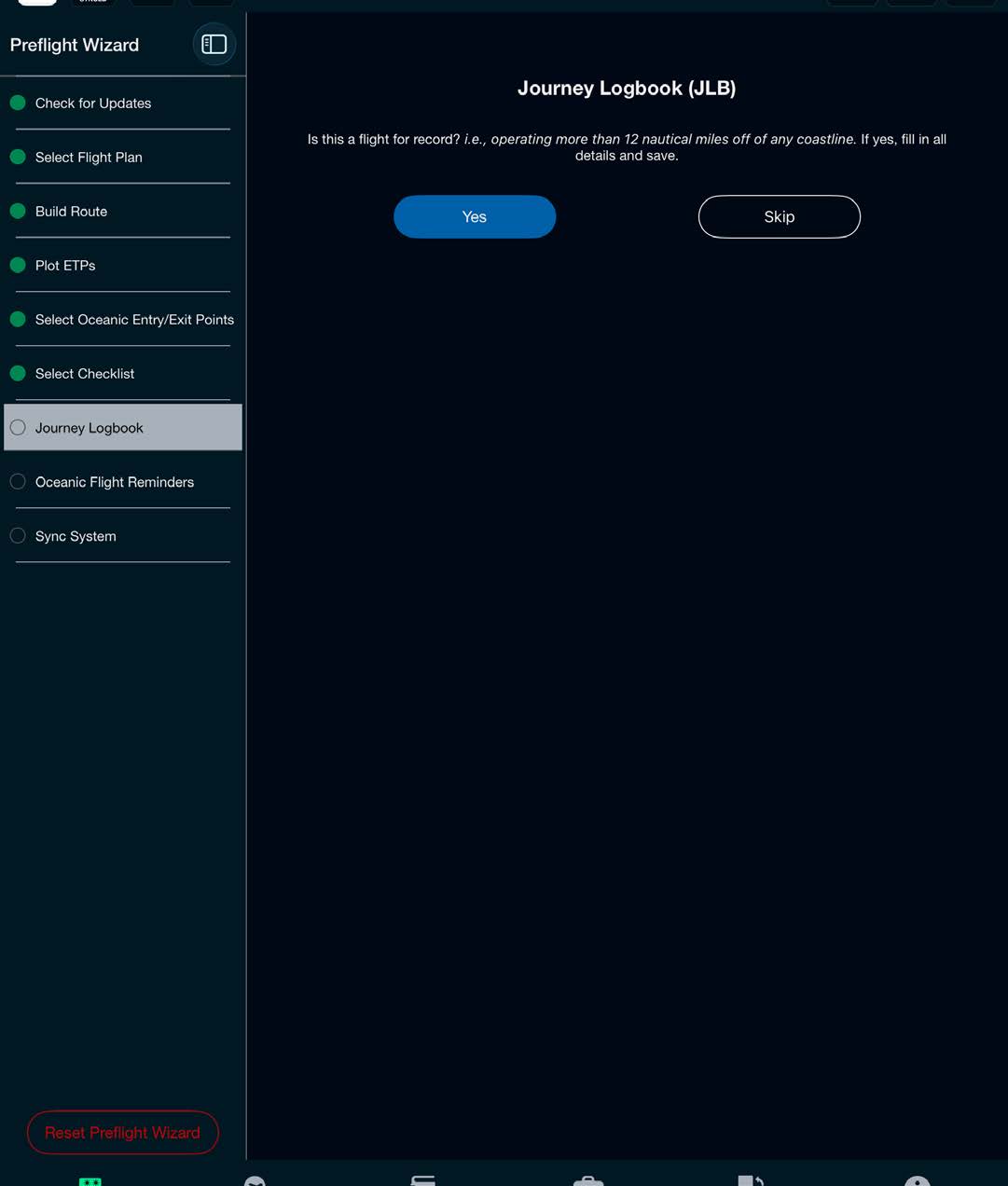
If operating 12 miles off the coast and a Journey Logbook is required, or you desire a Journey Logbook for the flight, select Yes to create a Journey Logbook.
The PIC, Operator, A/C Required Tail #, and A/C Type are automatically populated from your pilot profile page, while the Departure and Arrival airports are pulled off of the loaded flight plan.
The Journey Logbook includes Fuel & Time Actuals, FMS ground coordinate verification, altimeter and compass checks (Ramp, TOC, Oceanic Entry Point, Oceanic Exit Point), Clearances, Departure ATIS, and Arrival ATIS, along with the ability to attach photos and additional PDFs to the final document.
The Journey Logbook date is a required field in order to close out a flight and create a Journey Logbook. A date is automatically added at the time a route is created in the Preflight Wizard but may be edited at any point.
The Journey Logbook also includes a signature option and purpose field to comply with ICAO Annex 6. Selecting the Signature option on the Journey Logbook main screen will include a signature for the trip PIC/CAPT in the completed trip logbook.
Scott Plot® will also record several pieces of information on the Journey Logbook cover page: A/C Reg, Date, Departure, Arrival, Operator, version of Scott Plot, device type, iPadOS version, and GPS source used during flight.
Make entries and then select Continue.
Note: The active Journey Logbook can be viewed and edited during flight by going to your Flight Bag and selecting the Active Logbook.