
Scott International Procedures
April 1, 2026
4.3+
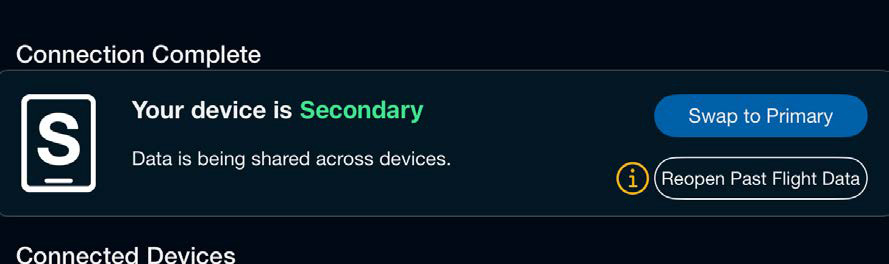
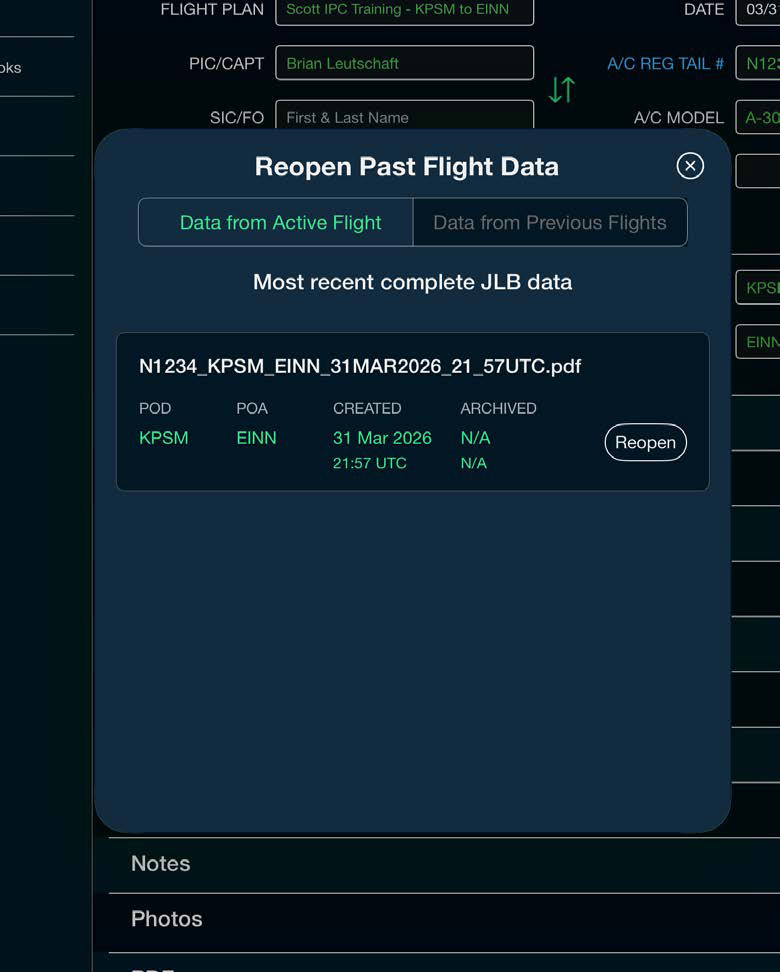
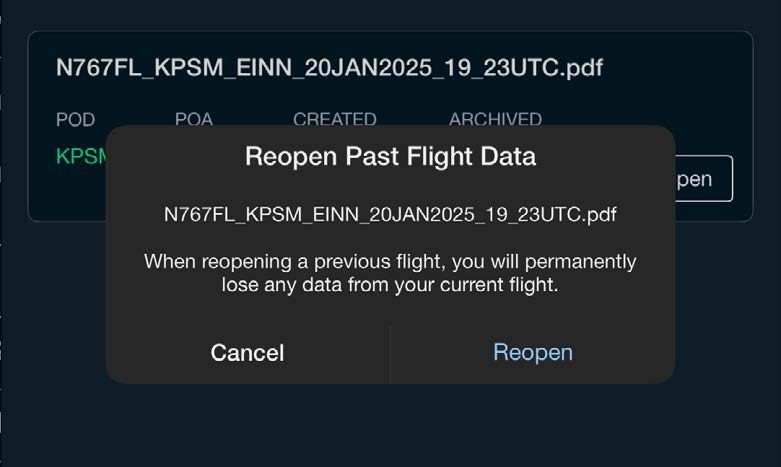
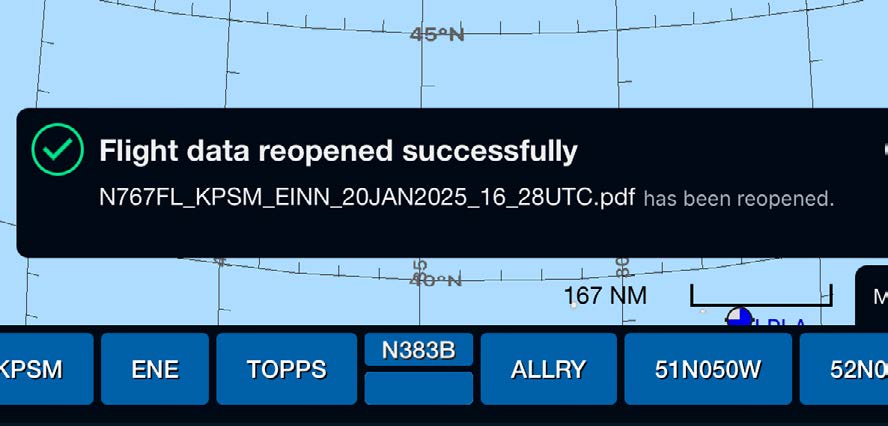
Under regular operation, at the conclusion of a flight, a completed Journey Logbook PDF is uploaded to your portal account as part of the Create Logbook step found in the Flight Bag. In addition, Scott Plot® retains previously completed flight Journey Logbook data for up to 45 days. Scott Plot provides this functionality in the event the pilot wishes to add additional trip plotting information to a previous flight and then create an updated Journey Logbook.


Scott International Procedures, LLC.
Colorado, USA


© 2026 Scott International Procedures, LLC. All rights reserved.
Because safety is in the details™