
Scott International Procedures
April 1, 2026
4.3+
The Scott Plot® main screen puts every plotting, navigation, and flight-management control within reach. The elements below make up the plotting chart interface, from the top toolbar to the bottom menu.
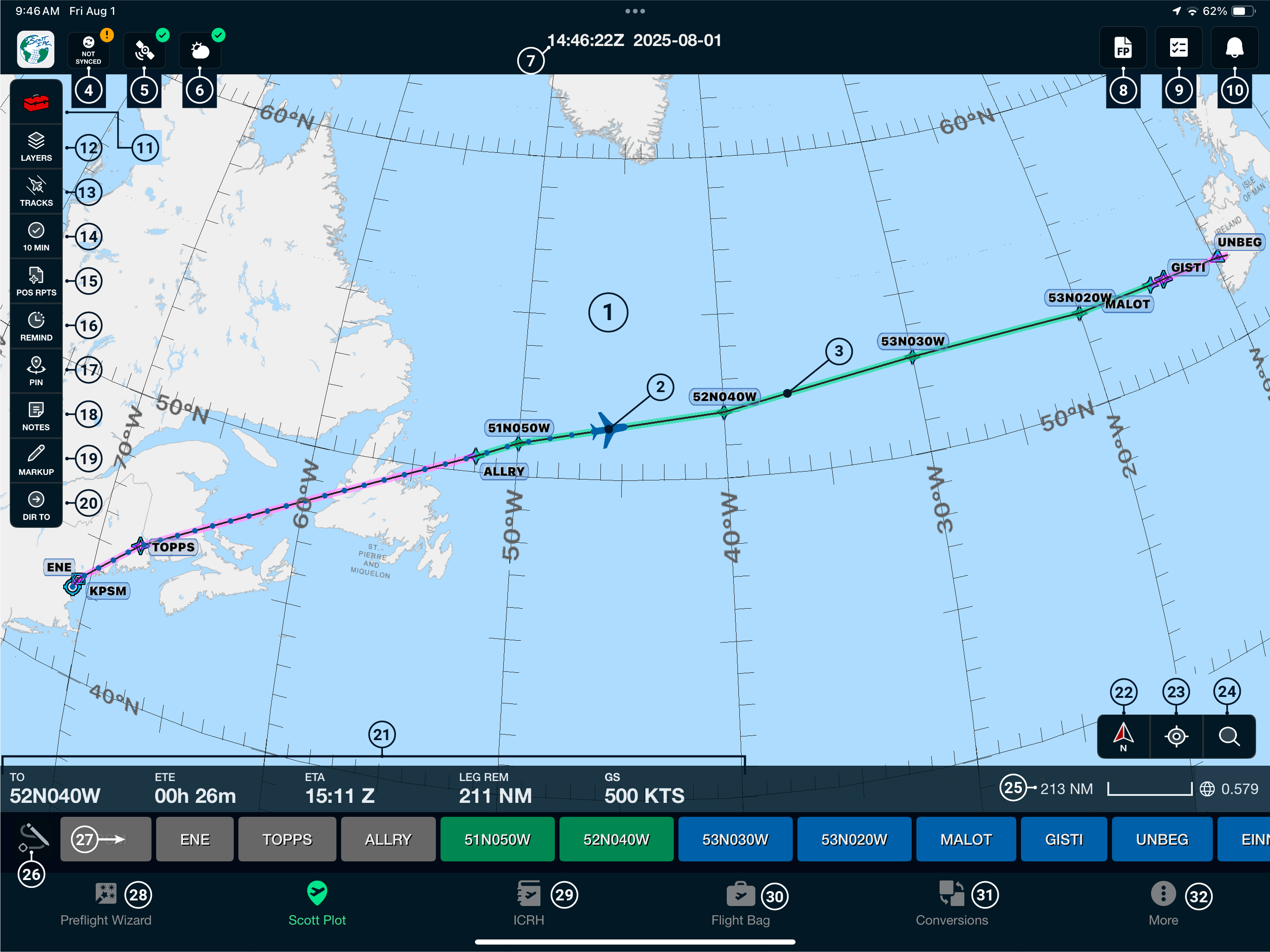
Most of these tools have their own Help Center articles — see the Plotting & Chart Tools, Routes & Navigation, and Preflight & Flight Planning categories for details on each.

Scott International Procedures, LLC.
Colorado, USA


© 2026 Scott International Procedures, LLC. All rights reserved.
Because safety is in the details™