
Scott International Procedures
April 1, 2026
4.3+
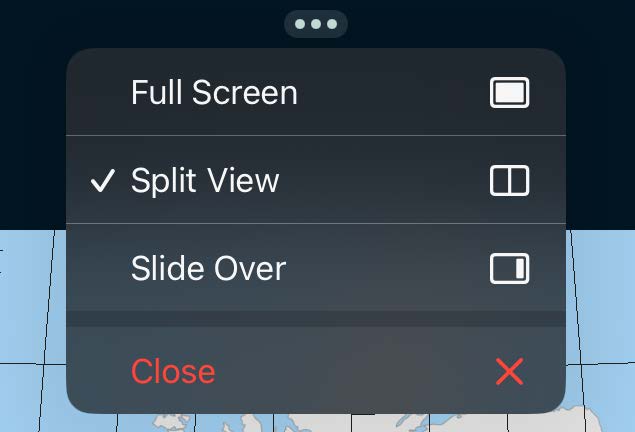
The Scott IPC app has a split-screen view option, which enables users to multitask efficiently.
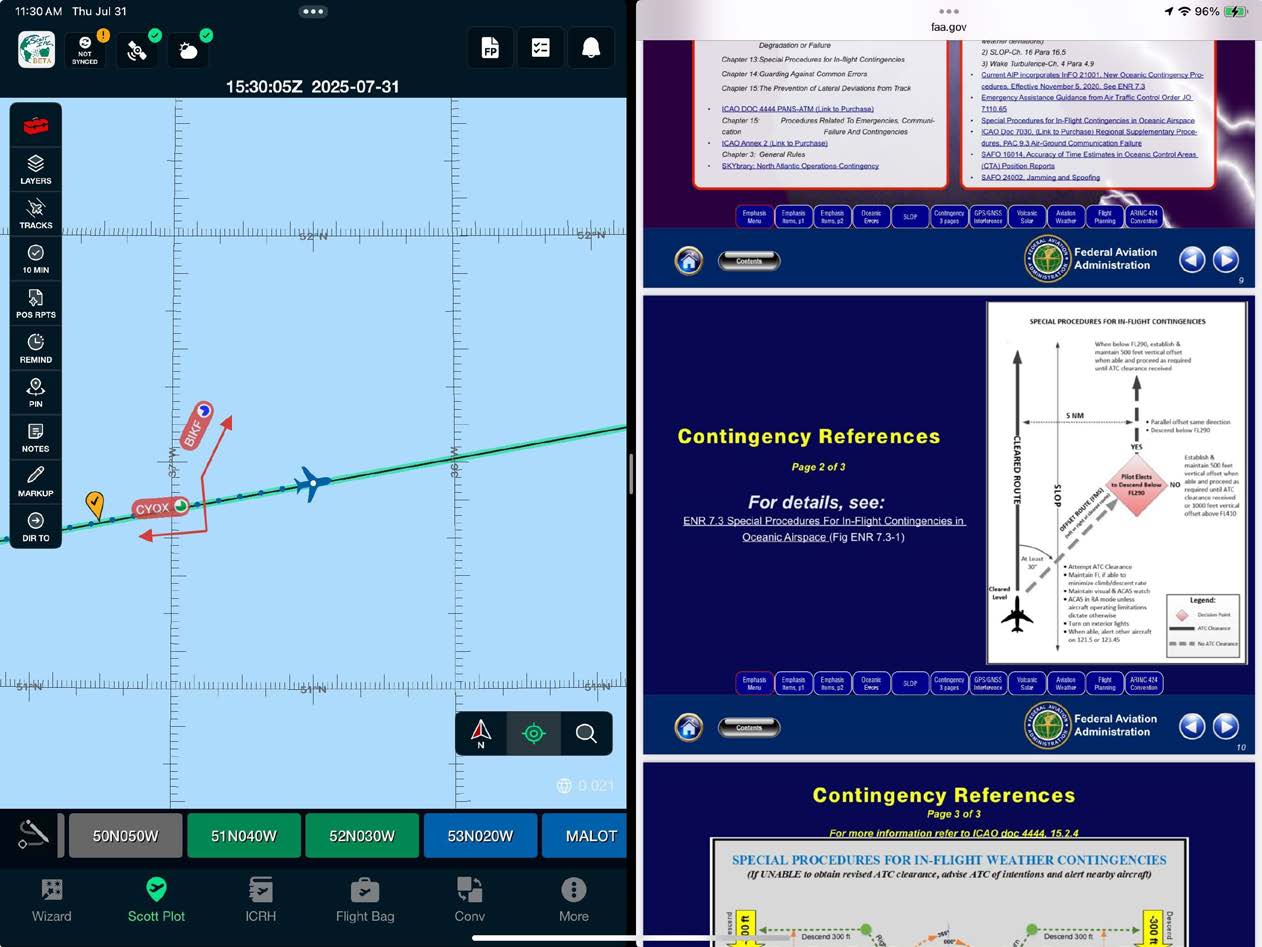
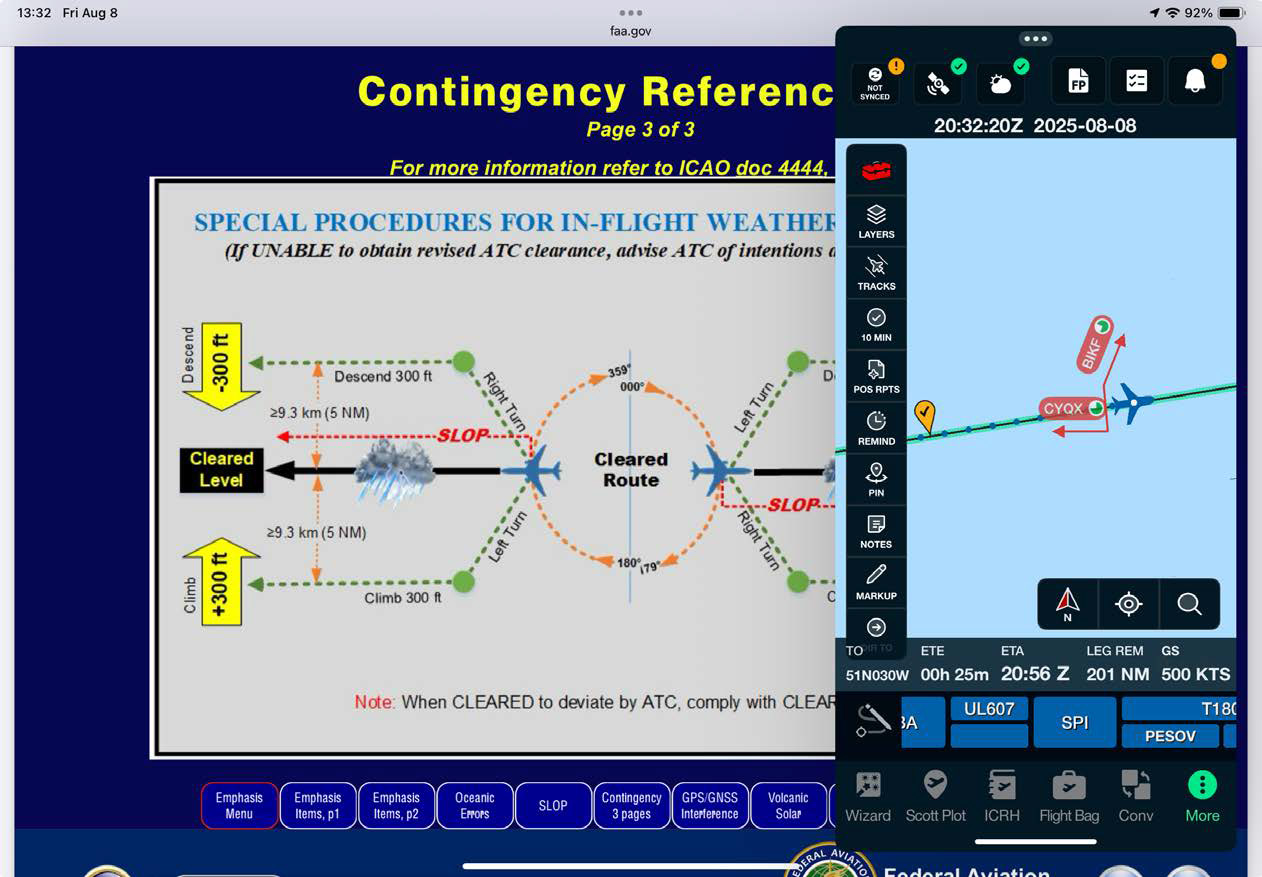
To enter split screen mode, tap on the three-dot icon located at the top of the Scott IPC app. From there, select the split view option that suits your needs and choose the app you want to use for multitasking. You can choose from two split screen layouts depending on your in-flight preference:
Split screen is also the recommended way to keep the app visible while working in other apps during Sync System use — see the Sync System category.

Scott International Procedures, LLC.
Colorado, USA


© 2026 Scott International Procedures, LLC. All rights reserved.
Because safety is in the details™