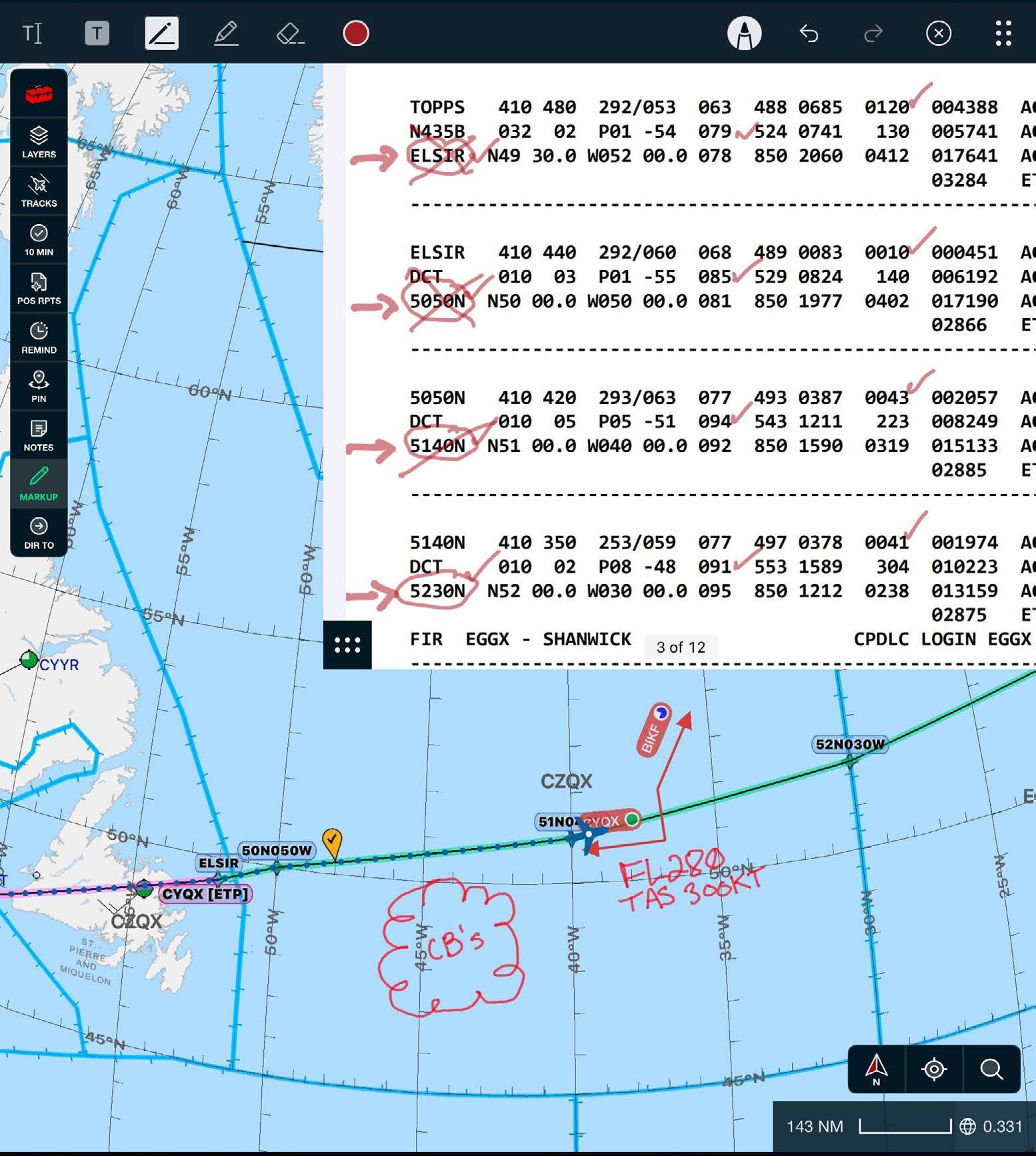
Annotation tools are available on the plotting chart, flight plan, downloaded documents, and the ICRH®. Although they are mostly similar, minor limitations and differences exist between annotating on the chart and other areas. Tap the annotation icon to use annotations.
Annotation Toolbar
Add Text: Adds a text box to the chart or flight plan.
Add Note: Adds a note box to the ICRH page that is saved to your account. (ICRH only)
Text Highlight: Highlights only text on the flight plan, an uploaded document, or in the ICRH. (Not available on the chart)
Pen Drawing: Draw or write on the chart, flight plan, uploaded document, or in the ICRH.
Freeform Highlight: Highlights anything needed on the chart, flight plan, an uploaded document, or in the ICRH.
Eraser: Used to erase pen drawings or freeform highlights.
Color, opacity, and thickness selector: Select the color, opacity, or thickness of the text highlighter, pen drawing tool, or freeform highlighting tool. It can also be used to adjust the thickness of the eraser tool.
Apple Pencil/Touch mode: Toggle between using an Apple Pencil for annotations and your finger or a pen-type stylus.
Undo: Undo the last action.
Redo: Restore the previous action.
Close: Closes the annotation toolbar.
Grab handle: Repositions the annotation bar. To change the position of the annotation bar, drag it to the left, right, or top of the screen to dock the bar in a new location.
Note: The app will automatically switch to Apple Pencil mode if it detects an Apple Pencil touching the screen.