
Scott International Procedures
April 1, 2026
4.3+
The Present Position Direct-to Contingency feature allows a user to plot a Great Circle route from either the current GPS position or a manually entered location to a desired destination. The feature is to be used for situational awareness as you fly direct to the desired location. It should be used in conjunction with a functional Flight Management System. If the FMS is not functioning, then utilize the GPS-provided aircraft symbol on the PP DIR TO Contingency route.
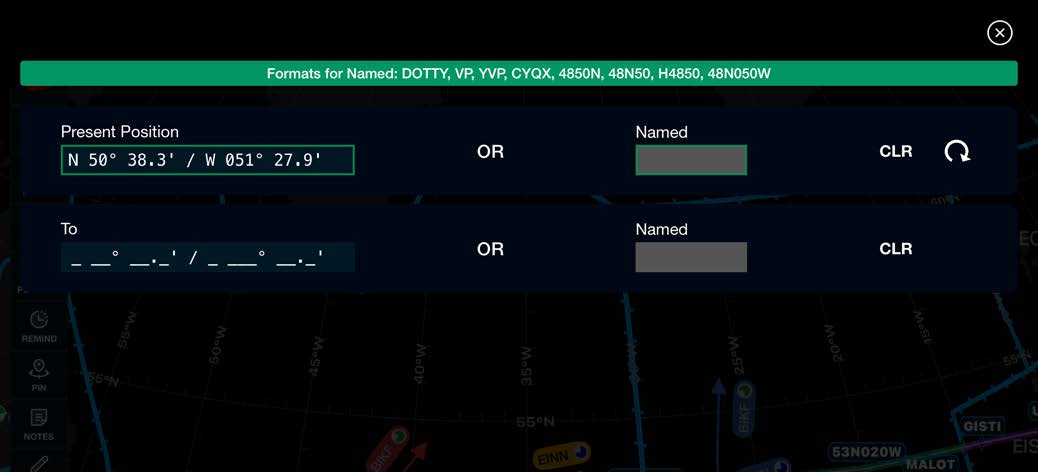
To delete the PP Direct-to Contingency route:

Scott International Procedures, LLC.
Colorado, USA


© 2026 Scott International Procedures, LLC. All rights reserved.
Because safety is in the details™